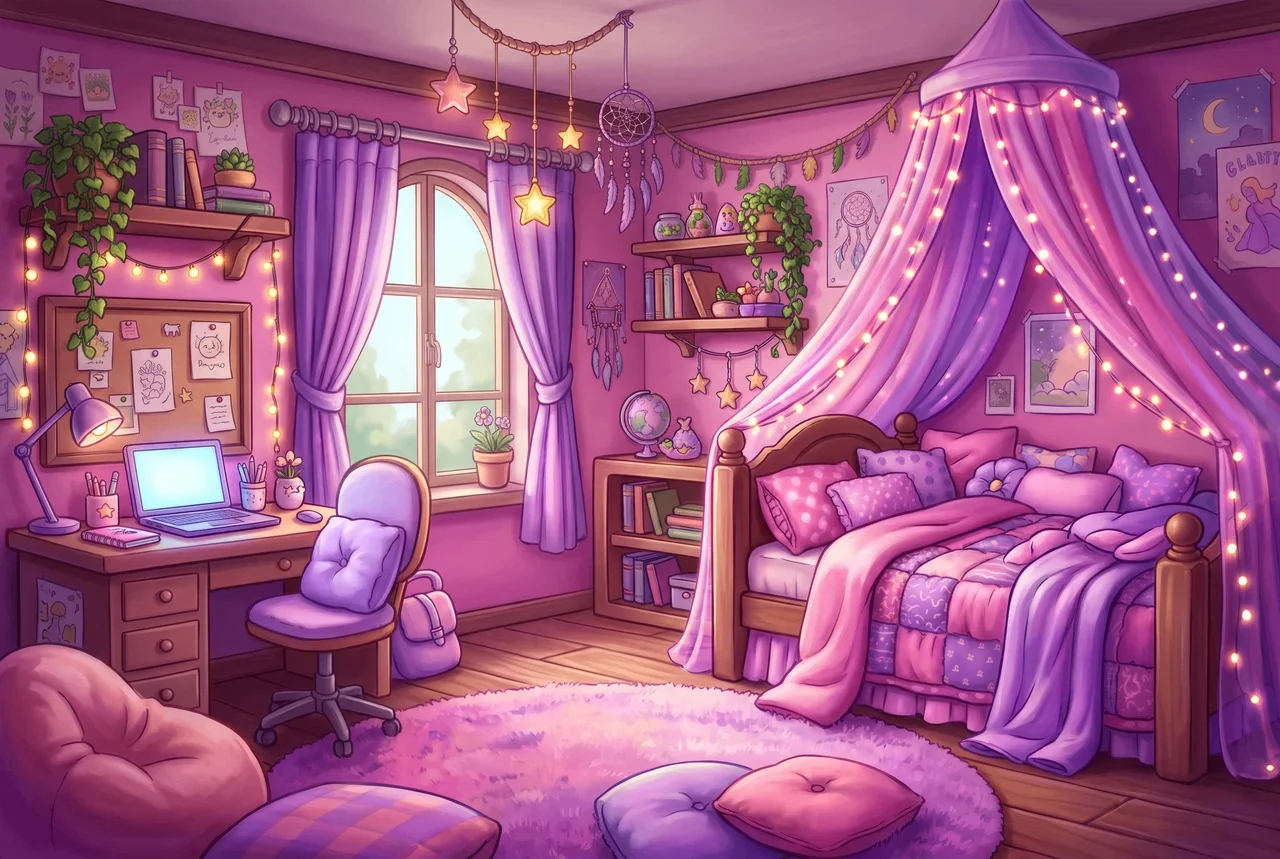
Три года мы учим художников работать с нейросетями. Ниже промты, которые реально выручают в работе.
−30%
скидка по промокоду до 10 ноября
SANDBOX3
Введите код при оплате курса. Действует до 10 ноября включительно.
БЛОК 01
Убрать лайн
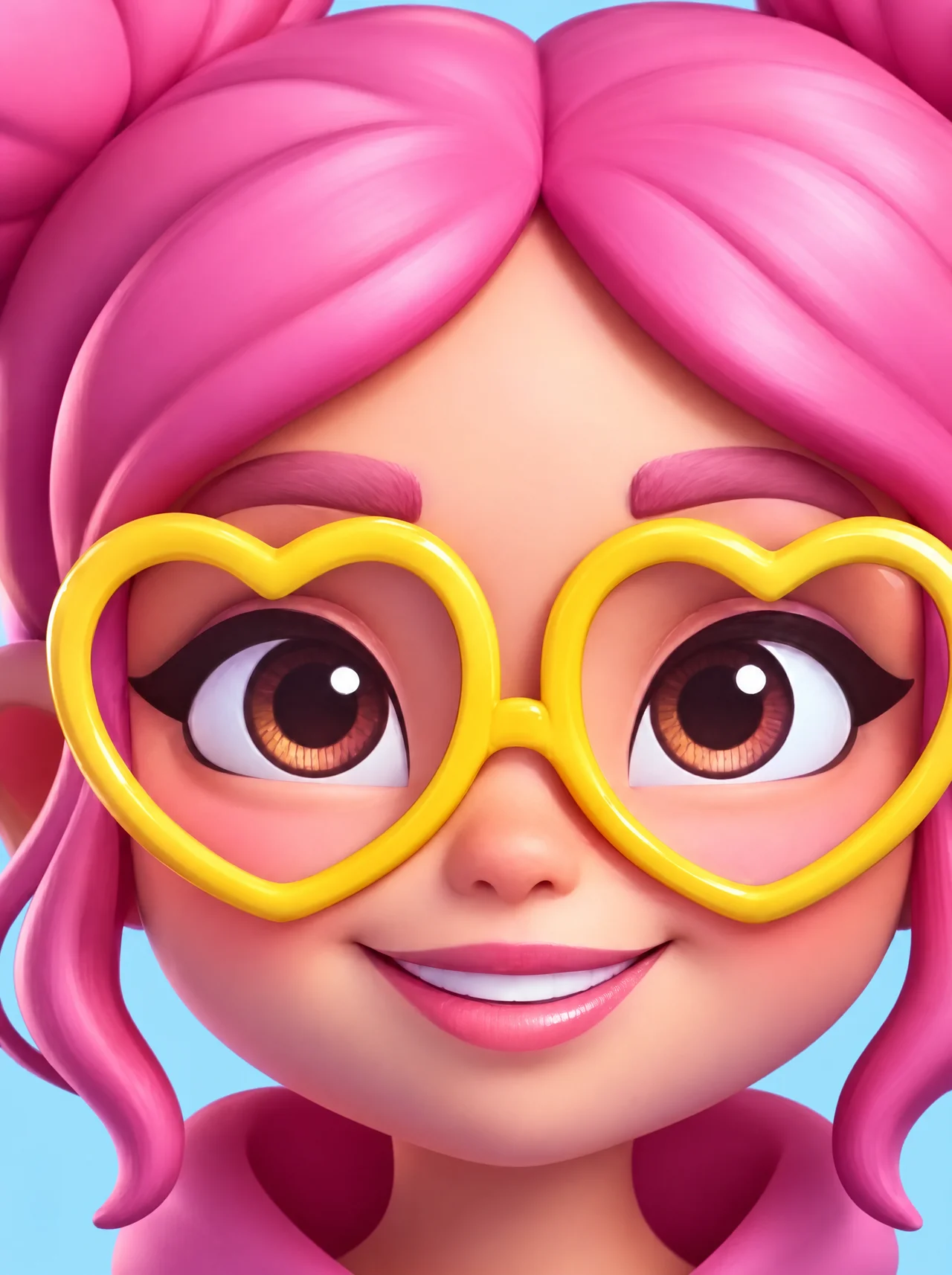
Когда картинка выглядит как раскраска: все объекты обведены тёмным контуром.
Промт · Banana / GPT
Remove the contour outlines from the attached image. Define object boundaries through differences in color and value, and describe volume using broad color shapes and smooth transitions between light and shadow.
On illuminated edges, extend the surface's own color all the way to the silhouette. Remove thin dark borders around objects and their internal details. Preserve natural deep shadows where forms touch or overlap.
Preserve clear silhouettes, composition, design, palette, and existing volume. Do not blur edges to remove the lines.
ДоПосле
БЛОК 02
Повысить качество
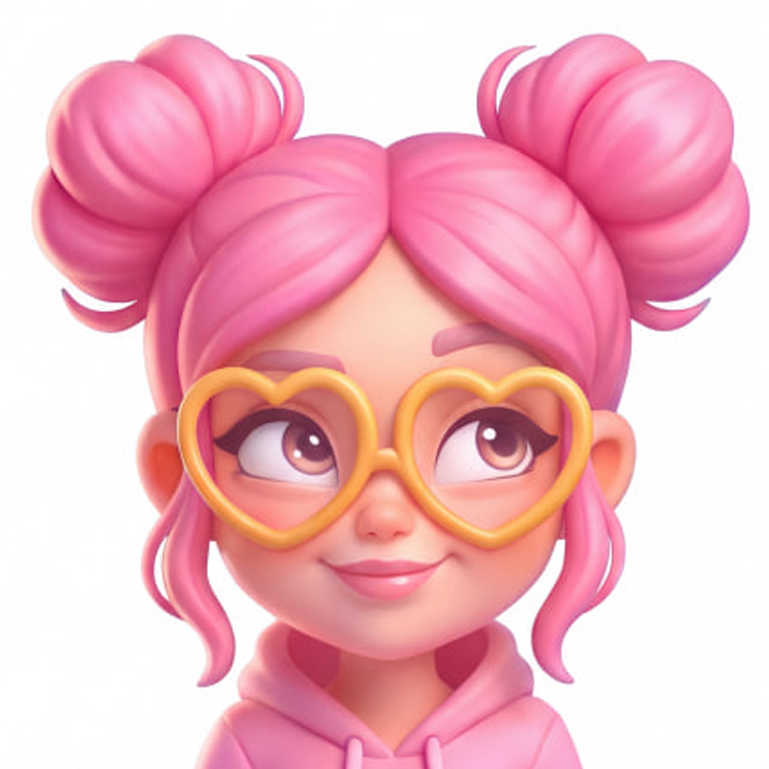
Когда картинка мыльная, пиксельная или с артефактами сжатия.
Промт · Banana / GPT
Restore and refine the attached image into a clean, crisp, clearly readable version of the same artwork.
Remove compression artifacts, unintended pixelation, jagged edges, smeared details, and unwanted blur. Reconstruct clean, continuous silhouettes with precise, smoothly antialiased edges. Keep thin elements and small structural features distinct and intact.
Make the object's construction immediately understandable: clearly separate overlapping parts, preserve openings and gaps, and define where surfaces meet. Use controlled local contrast and accurate edge definition to distinguish adjacent forms without adding contour outlines.
Keep the main subject in clear focus across its entire visible form. Preserve sharp structural edges and readable details. Do not introduce depth-of-field blur, bokeh, soft-focus effects, or hazy glow over the subject. Preserve intentional background softness where present.
Maintain smooth shading within forms while keeping their boundaries well defined. Preserve convincing volume, material differences, and natural light-to-shadow transitions. Soft shading must not soften or dissolve the silhouette.
Preserve the original composition, design, proportions, palette, lighting, and art style. Restore only details supported by the source image; do not invent ornament, textures, or additional parts.
Avoid oversharpening, edge halos, ringing, double edges, dark borders, grain, and artificial microdetail.
The result should have crisp silhouettes, clearly separated forms, readable construction, and a clean finish, including when viewed at a small size.
ДоПосле
БЛОК 03
Убрать шум
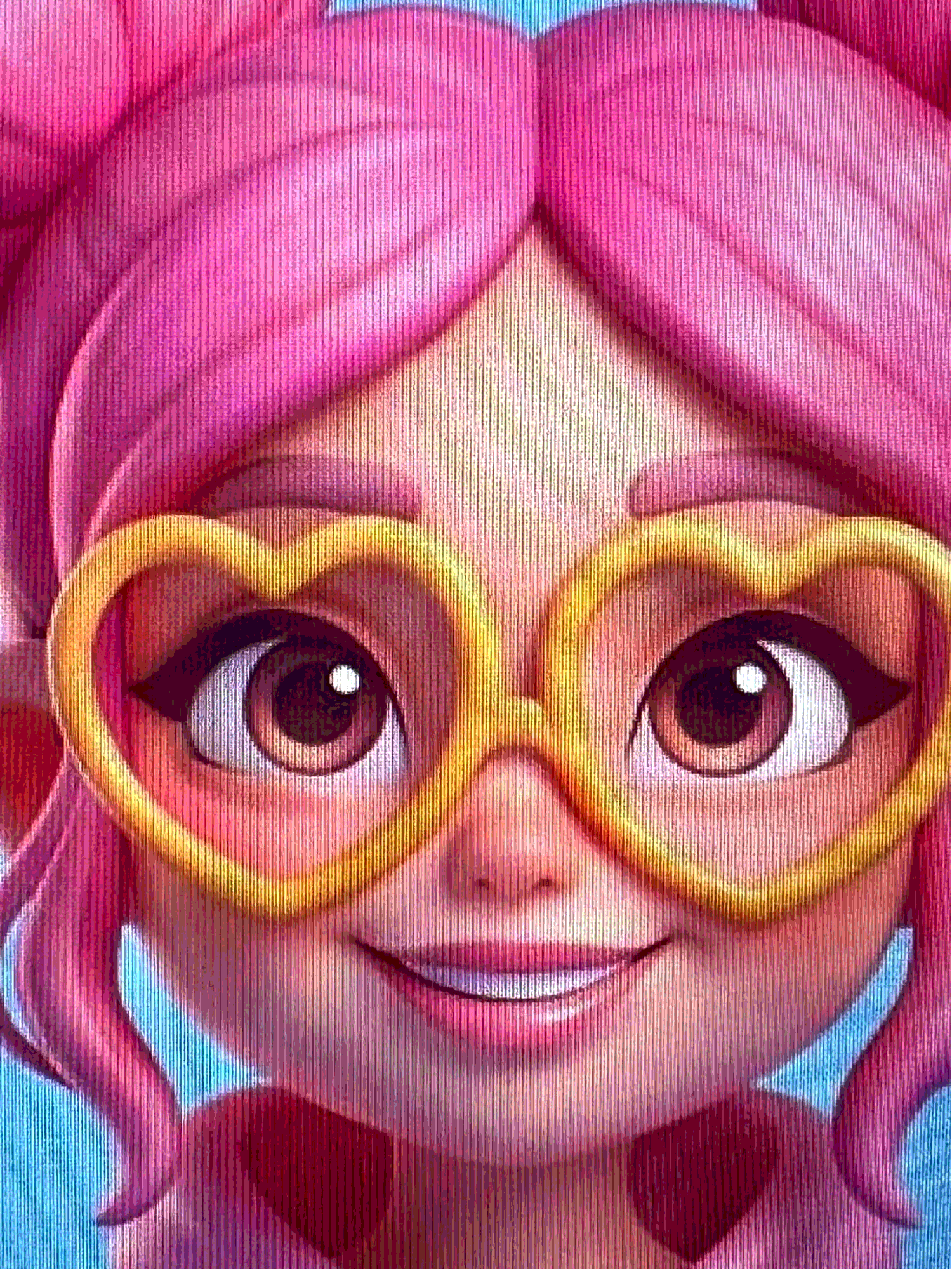
Когда на картинке зернистость, мелкие точки или полосы от сканирования и экрана.
Промт · GPT
Clean up the attached image by removing fine grain, speckles, random surface roughness, and unwanted noisy textures.
Preserve the original subject, design, proportions, orientation, composition, colors, lighting, and dimensional volume. Keep all intentional details and material characteristics.
Use clean, uninterrupted color areas and smooth light-to-shadow transitions. Preserve sharp silhouettes and clearly defined structural details. Convey materials through controlled highlights, reflections, and color transitions.
Do not blur the entire image, flatten the shading, or make every material look like plastic. Do not add, remove, or redesign any objects.
If the reference is a photograph of a screen, also remove screen moiré, pixel-grid patterns, and scan lines.
The result should look like a clean, polished version of the same artwork.
ДоПосле
БЛОК 04
Убрать грязные цвета
Когда цвета мутные, с лишним оттенком или переходы выглядят грязно.
Промт · GPT
Clean up the color relationships in the attached image. Remove unintended muddy color mixtures, dirty transitions, and any overall unwanted color cast. Preserve the objects' local colors, intentional neutral tones, and differences between materials.
Keep light and shadow colors clean and consistent with the light sources. Separate neighboring large forms through differences in value and hue. Preserve midtone saturation, shadow depth, and the readability of bright areas.
Preserve the original palette, mood, composition, and design. Avoid increasing saturation uniformly, introducing excessive contrast, or washing out the image.
ДоПосле
БЛОК 05
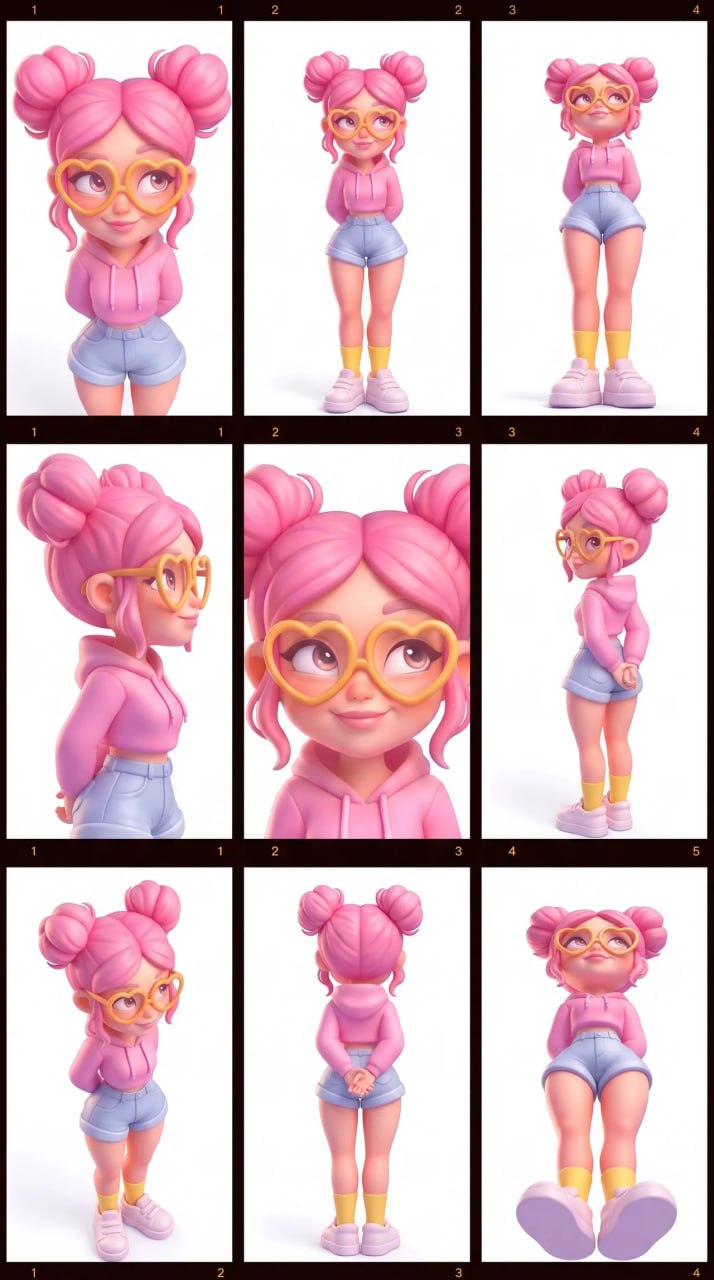
Раскадровка из референса
Когда нужно быстро показать персонажа с разных ракурсов, сохраняя всё остальное.
Промт · Banana / GPT
Create a 3×3 cinematic contact sheet of the same subjects in the same environment, using nine different camera angles. Keep the same people, clothes and lighting. Only the camera angle changes.
Результат
Совет: приложите один чёткий референс персонажа на светлом фоне. Так сетка получится ровнее.